How to make a good checklist (and what it should include)
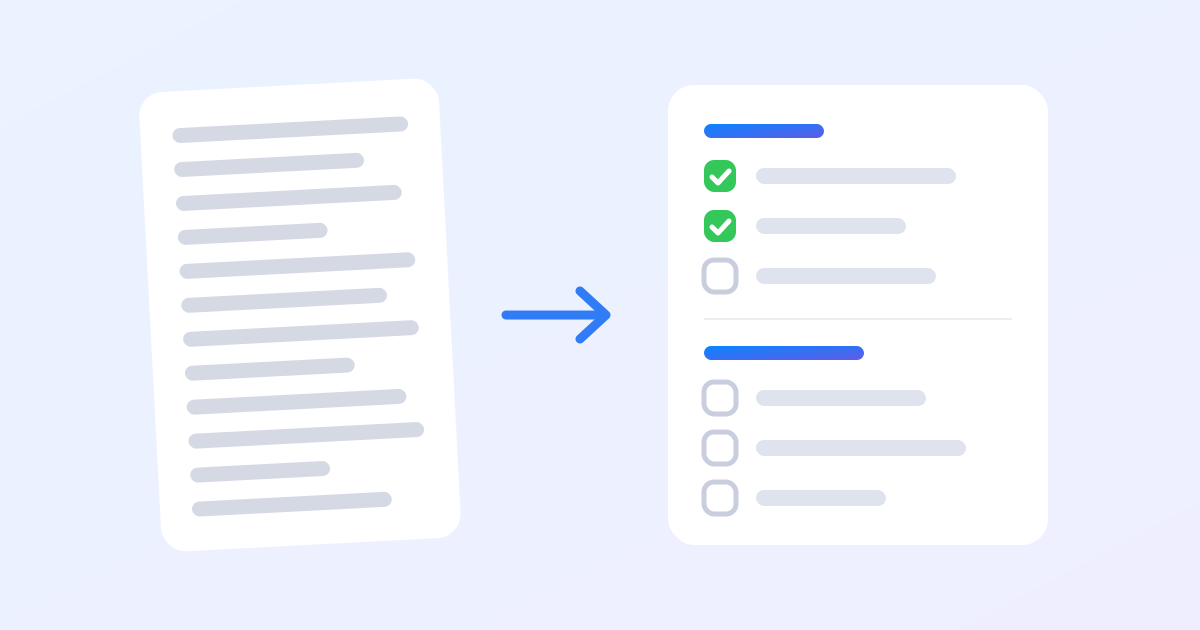
Checklists fail when they are too long, too vague, or written once at a desk and never revised. Pilots and surgical teams depend on them, and have worked out what makes one usable. Their rules apply just as well to a packing list or a Friday closing routine.
Why use a checklist for something you already know?
Because knowing a step and doing it every time are different things. In October 1935 Boeing's new bomber, the Model 299, crashed during an Army evaluation flight with two of the country's most experienced test pilots on board. Nothing had broken. A control lock that should have been released before takeoff was still on. The plane simply had more steps than one person could reliably hold in memory. The answer was a set of short cards listing the steps for takeoff, flight and landing, and pilots have flown with checklists ever since.
Surgery adopted the idea much later. In a study across eight hospitals, published in the New England Journal of Medicine in 2009, introducing a 19-item surgical checklist was followed by a drop in major complications from 11% to 7% and in deaths from 1.5% to 0.8%. None of the items was new to the teams. Atul Gawande, who led the World Health Organization programme behind it, tells both stories in The Checklist Manifesto. Later results were mixed: when hospitals in Ontario were required to adopt the checklist, outcomes did not measurably improve. A checklist helps when people actually work through it, and does little as a form to tick.
The point for everyday use is modest. A checklist catches the step you skip on the day you are tired, rushed or interrupted.
Checklist vs to-do list: what is the difference?
| To-do list | Checklist | |
|---|---|---|
| What is on it | Tasks that are different every day | The same steps every time |
| When you use it | Whenever you get to each task | At one moment: before a trip, at closing time |
| When it is finished | Done once, then gone | Kept for next time |
| Example | Call the dentist, send the invoice | Packing for a weekend away |
A quick test: will you need this exact list again? If yes, it is a checklist, and it is worth writing well. If no, it is a to-do list, and a rough one is fine.
What a good checklist should include: seven rules
1. One job, one moment
Decide when the list gets used: the night before a flight, before you lock the front door, when a new client signs. Pilots call this the pause point. A list with no clear moment tends not to get opened. If a job has several moments, such as a week before, the night before and on the way out, give each one its own section.
2. Decide: check after doing, or read as you go
With a do-confirm list you do the job from memory, then stop and confirm nothing was missed. It suits routines you know well, like leaving the house. With a read-do list you read each line and do it, like a recipe. It suits jobs with many parts or ones you do rarely, like packing for a ski trip. A do-confirm list can be very short. A read-do list needs every step you could not rebuild on the spot.
3. On a do-confirm list, include only what gets missed
Leave out the steps you never forget. Nobody needs "close the front door". Keep the ones that are easy to skip and expensive to miss: passport, phone charger, stove off, the medication in the fridge. Every line you add makes the others easier to skim past.
4. Keep each group short
One rule of thumb quoted in Gawande's book is five to nine items per pause point, short enough to get through in about a minute. Treat it as a guide. A packing list will run longer, so break it into sections such as Documents, Clothes, Toiletries and Tech, and each section reads as its own short list.
5. Write plain, specific lines
One thing to do or to check per line, in the words you would say out loud. "Documents" is too broad to check off. "Passport" and "Boarding pass downloaded" can each be checked. If a line makes you stop and work out what it means, rewrite it.
6. Put it in the order you do it
Follow time or place: first step to last, room by room. For packing, group items by where they are kept, then put the groups in the order you walk through the house. A list in the order you thought of it sends you back upstairs three times.
7. Test it, then fix it straight away
The first version is usually wrong somewhere. Use it once for real and note what you had to add and what you skipped. Change the list the same day. After two or three uses it will fit the way you work.
A before-and-after example
Here is a first attempt at a list for leaving on vacation:
- Pack
- House stuff
- Don't forget documents!!
- Car
- Ask neighbor about plants and mail and trash
These lines name jobs without saying what to do. Here is the same list after the seven rules:
The day before
- Neighbor has a key
- Plants watered
- Mail on hold
- Car fueled
- Phone charged
Before you lock the door
- Passports
- Wallet
- Stove off
- Windows locked
- Thermostat turned down
- Trash out
There are two moments, each list is short, each line is one thing, and the order follows the day. Packing is left out on purpose: it is a separate job with its own list. For complete versions of both, see our leaving home for vacation checklist and travel packing list.
How to use a checklist
- Keep it where the job happens. A leaving-the-house list belongs on your phone or by the door, not in a drawer.
- Open it at the same moment every time. The habit of opening it does more than anything written on it.
- Check off only what you have just done or seen. "I'm sure I packed it" is how things get left behind.
- After an interruption, restart the section. It takes seconds, and interruptions are when steps get skipped.
- With two people, one reads and one confirms. It is faster, and harder to fool yourself.
- Skip the checklist when a miss costs nothing. Not every routine needs one.
Keep a clean original
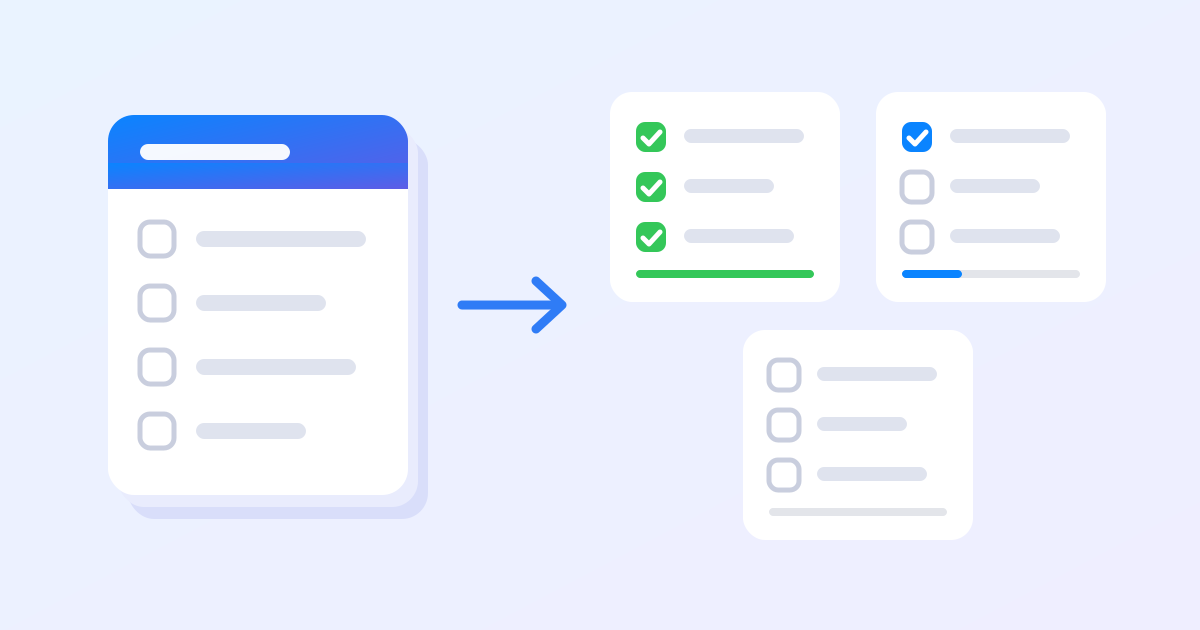
A checklist pays off from the second use onward, so keep the original intact. On paper, print a fresh copy each time. On a phone, either reset the checkmarks or start a new copy from the original. When you find a gap, fix the original, and keep one-off tasks such as "renew passport" on a to-do list instead.
On an iPhone there are three ways to reuse a list, compared step by step in how to make a reusable checklist on iPhone. For a head start, our free checklist templates cover packing, cleaning, moving and more than a hundred other jobs. Treat them as a first draft and apply rule 7.
Frequently asked questions
- What should a checklist include?
- The steps of one job, written as one specific thing per line, in the order you do them, and grouped into short sections. For a routine you know well, include only the steps that are easy to skip and costly to miss. For a job you do rarely, include every step you could not rebuild from memory. Leave out tasks that only apply once.
- How long should a checklist be?
- One rule of thumb from aviation is five to nine items for each moment you stop to use the list. Longer lists, such as packing lists, work when they are split into short sections.
- What is the difference between a checklist and a to-do list?
- A to-do list holds one-time tasks that change from day to day, and it is finished once they are done. A checklist holds the same steps for a job you repeat, and you keep it to use again.
- Why use a checklist for something I already know how to do?
- Because memory slips under hurry, tiredness and interruption. A checklist catches the step you would otherwise skip, which is why pilots and surgical teams use them for routine work.
- How do I use a checklist well?
- Keep it where the job happens, open it at the same moment every time, check off only what you have just done, and update the original right after each use.
 How to make a reusable checklist on iPhone